Fixed a bug that could cause an “original” version of the game to crash on PCSX2


Archives
Categories
Fixed a bug that could cause an “original” version of the game to crash on PCSX2
After doing some debugging, I found out that the original address I checked for what file was currently active actually changes between different pcsx2 versions. I found another address that appears to remain static between versions and shouldn’t break the check anymore. This will not work with the original untranslated version of the game. The new area where I am checking for what file is loaded doesn’t populate till after the current binary changes. It’s something I am working on but for now I would just like to know if anyone is having issues with this current version in terms of connecting.
Just to be on the safe side, please backup your saves.
https://github.com/Zero1UP/dot-Hack-Fragment-Patcher/releases/tag/v1.0.4B2
I updated the fragment patcher which solves the crashing problem that would happen if you went to offline mode:
Download
The Socom 2 Online Beta (SCUS_973.66) has it’s LAN option disabled on the main menu however thanks to Harry62, he made a code to enable this option. I’ve created a homebrew patcher for this.
You can download it here.
Added in Skip MPEG to prevent the game from freezing on the emulator if the user did not have the SKIP MPEG game fix selected in the emulator settings.
Added the Disable item removal code so if the emulator crashes you will no longer lose your items. This only works for the online portion of the game.
Download can be found on my github:
Download
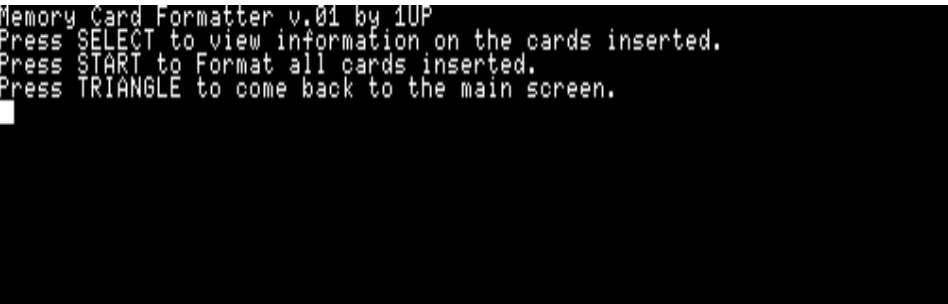
Memory Card Formatter is a homebrew application for the PS2 that allows the user to quickly format memory cards. Simply insert a memory card into either Slot 1 or 2 (or both) and press start.
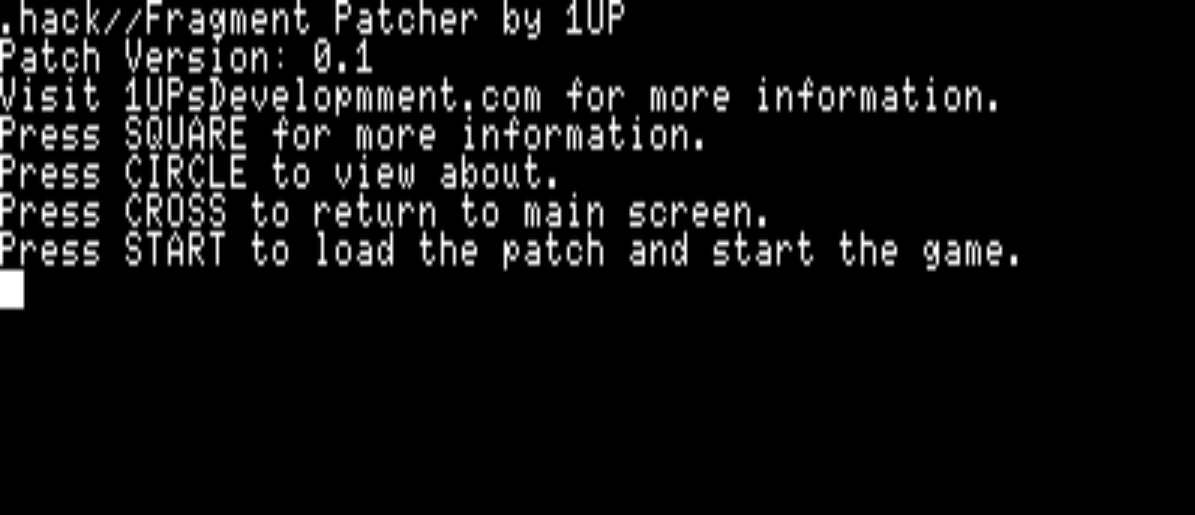
.hack//Fragment Patcher is a homebrew application for the PS2 and the emulator PCSX2 that will allow the user to play the game in english without the need to download a modified copy of the game. With this anyone with a copy of the original game can pop it into their ps2 (or PC through the emulator), run the homebrew and play.
The patch is in development and currently has the following features:
I made the code open source so anyone can read through it. I am still rather new to PS2 homebrew development so if the code doesn’t look that great, that’s because it’s probably not.
The code can be found on my github here.
Once I have a majority of the translations in place, I will make a binary release here.
PS2dis
Any Hex editor. In this example I am using HxD though.
HACK_00.ELF (This is found on your .hack.//Fragment disk.) (This is also the online ELF for the game, the single player version is HACK_01.ELF
Socom 2 Imposter Maker by Dark Killer ( I used this to convert text to hexadecimal. It’s not needed but it makes it quicker.)
When translating this game from Japanese to English you tend to run into space constraints when dealing with how many letters you can cram in a memory location. The problem came up where a translation wasn’t correct and since there just wasn’t room to actually have the correct text it instead was made to be something else. As a quick example the Twinblade spell “Tiger Claws” is currently just “Claws”.
In the game .hack//fragment strings are loaded in by pointers.
For this example I am going to show how we can extend a string past the limit it currently has.
Currently I have a level 15 Blademaster that knows the spell Vak Slash and I want to call it something else, something longer.
So we open up PS2Dis and take the HACK_00.ELF and drag it over to PS2Dis. Press Control G and type the following “Vak Slash”, you should see something like this: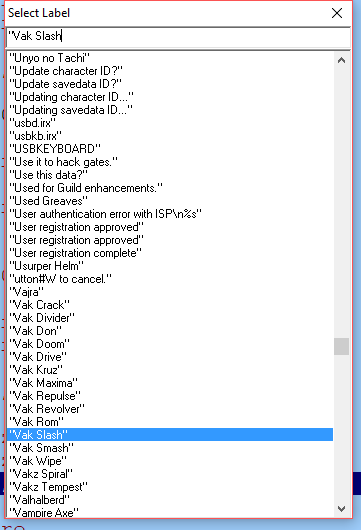
This is written using Microsoft SQL Server however a lot of this can carry over just fine to other SQL variants with little change. I am also using SQL Management Studio 2016 when writing this query. This can be found here.
Sub queries come handy when you need to return data from multiple tables but need that data Summed up or some form of calculation done on them. This isn’t the only scenario where these are useful but in this example that’s what I will be doing.
The example below does not require you to create any tables as everything is done in memory.
Creating our tables:
DECLARE @Users TABLE (
	UserID INT IDENTITY(1,1) PRIMARY KEY,
	FirstName VARCHAR(25),
	LastName VARCHAR(25)

);

DECLARE @items TABLE (
	ItemID INT IDENTITY(1,1) PRIMARY KEY,
	ItemName VARCHAR(150),
	PricePerUnit NUMERIC(5,2)

);

DECLARE @sales TABLE (
	SaleID INT IDENTITY(1,1) PRIMARY KEY,
	UserID INT,
	ItemID INT,
	AmountSold INT

);
The “@” tells SQL Server that we are creating a variable and in this case the data type for that variable is a table.
Notes:
IDENTITY(1,1) means that this field auto increments. This is great for Primary keys so you do not have to know what the last ID was, it will do that for you and insert it.
Now we want to insert data into these table so we have something to lookup later on.
Insert statements: